VSCode Theme Tutorial
in only 12 steps!
in only 12 steps!
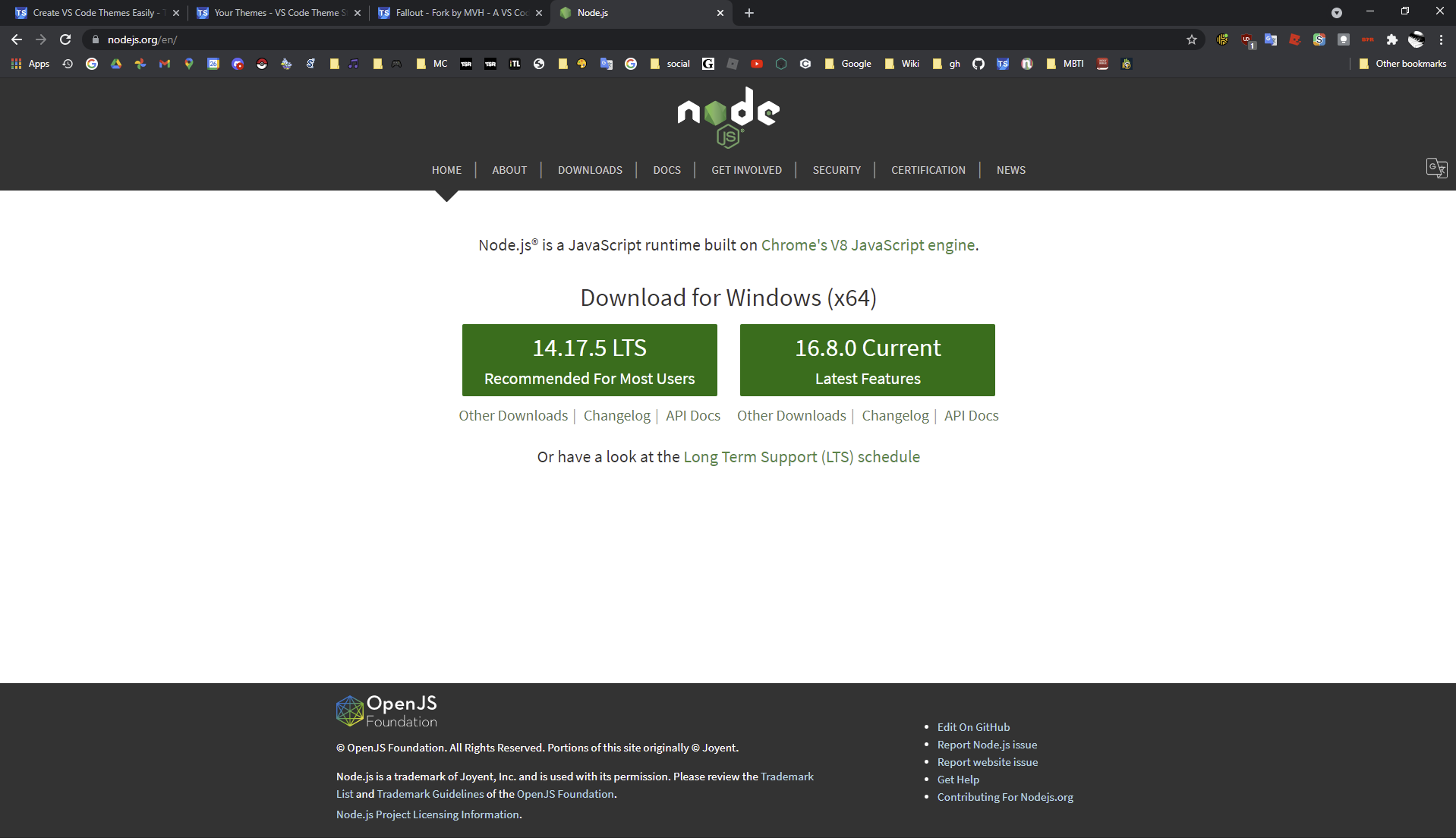
Download Node.js at nodejs.org (if you don't have it installed already)
btw its the big green button, specifically the recommended one. it usually has less bugs than the latest version.
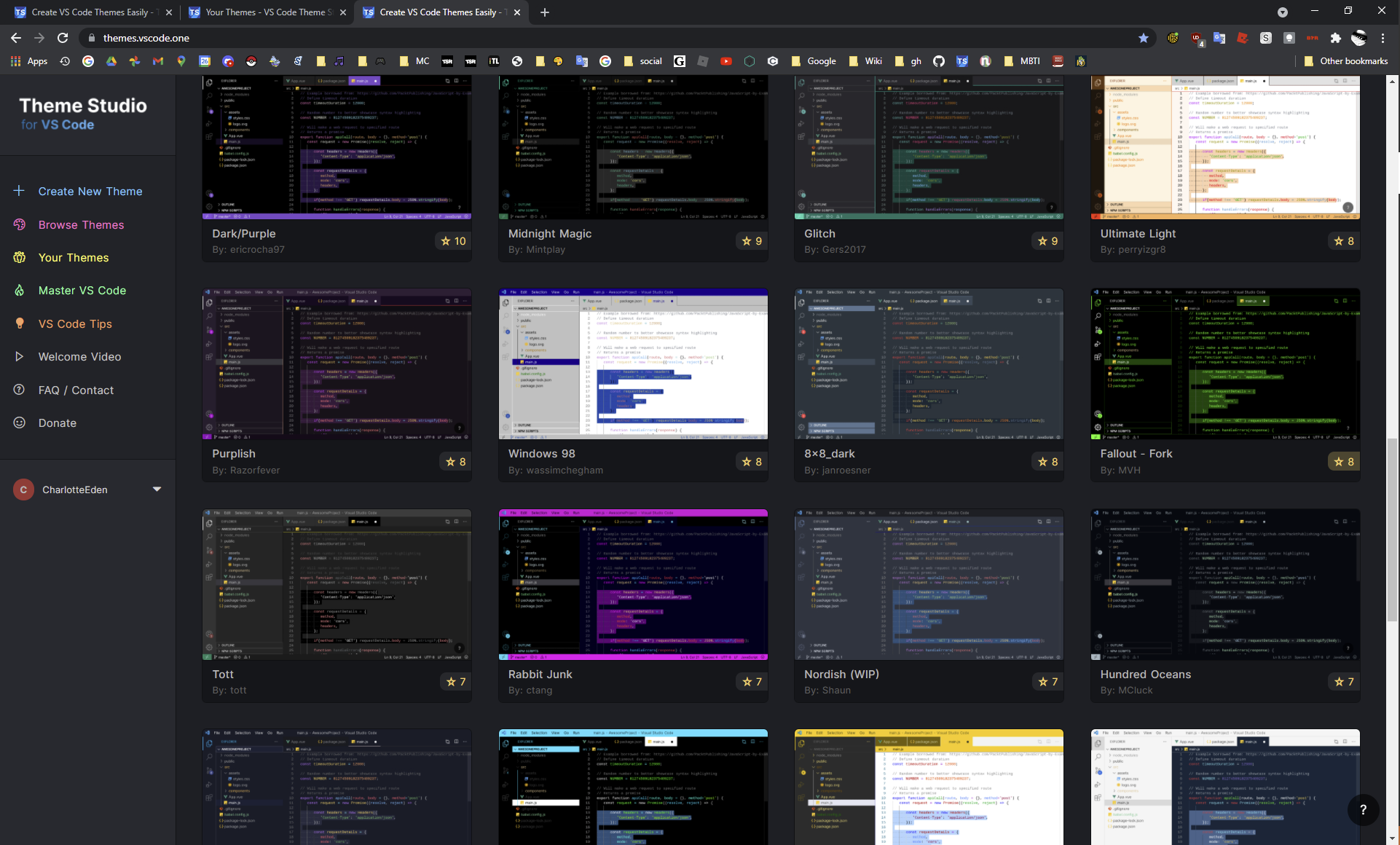
Go to this wonderful website themes.vscode.one and scroll to find the theme you want. You can also make your own custom theme with this website if u want but im not showing you how to do that lol.
Make sure to make an account or sign in with Google/Github. You will need that later
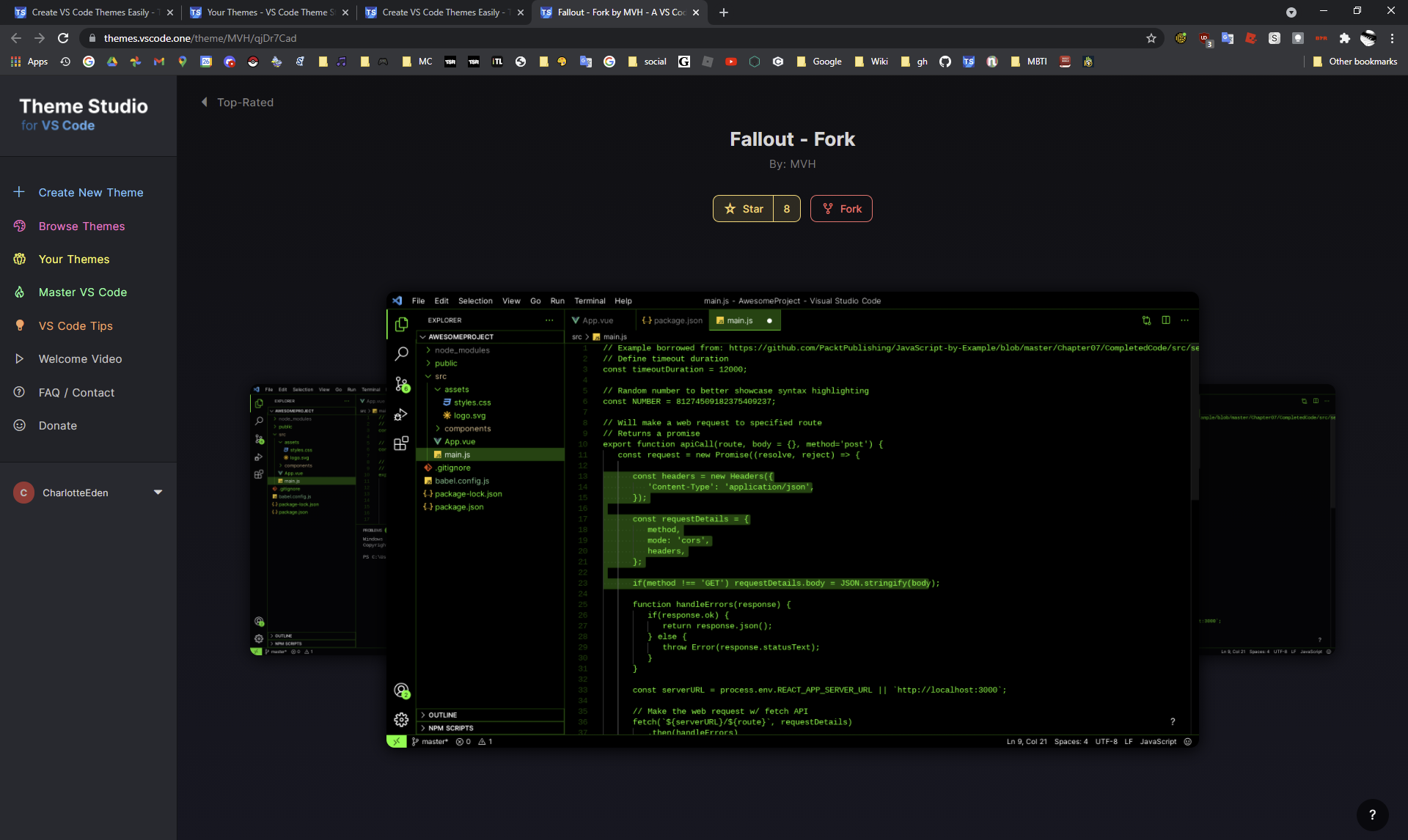
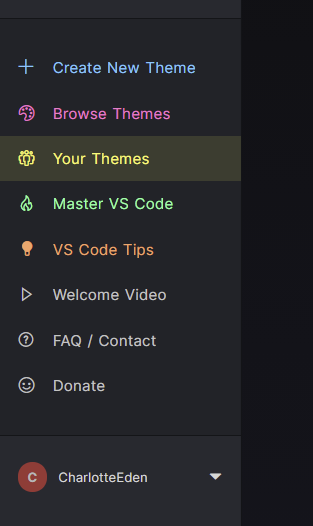
Once you find the one your favorite one, click on the "Fork" button. This will make it appear in the "Your Themes" tab.
Go to the "Your Themes" tab and click the download button on your theme. (the download button is the second button)
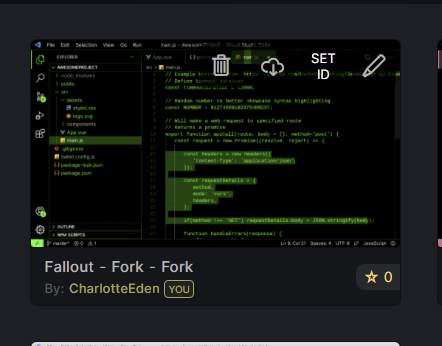
Make a new folder and open it in VSCode and open a new terminal (New Terminal Shortcut: Ctrl + `).
Then type this into the terminal:
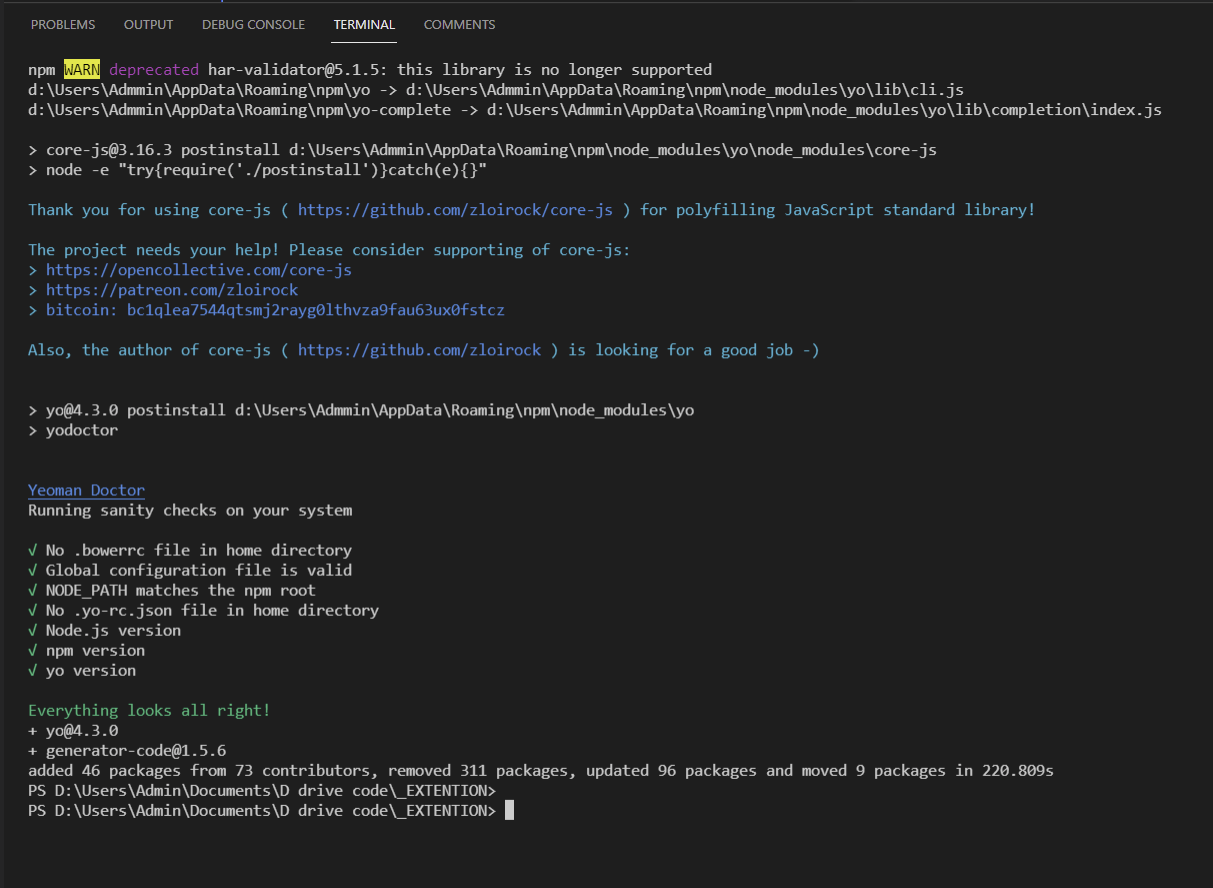
npm install -g yo generator-code
Give it a few mins to install and it should look like the picture when its done.
Now that we have it installed, type this into the terminal:
yo code
Give it a second and then it should look like this image
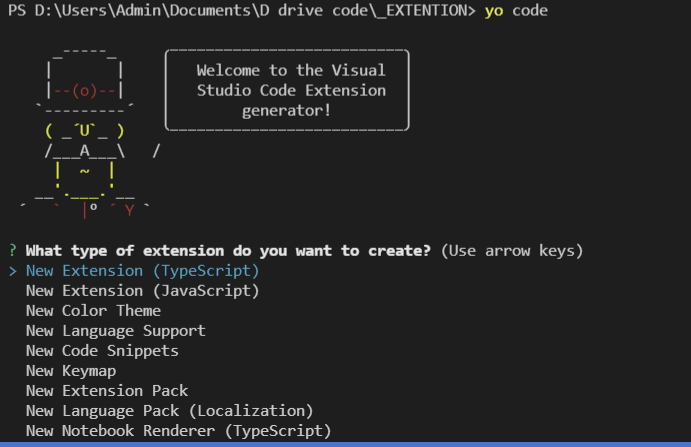
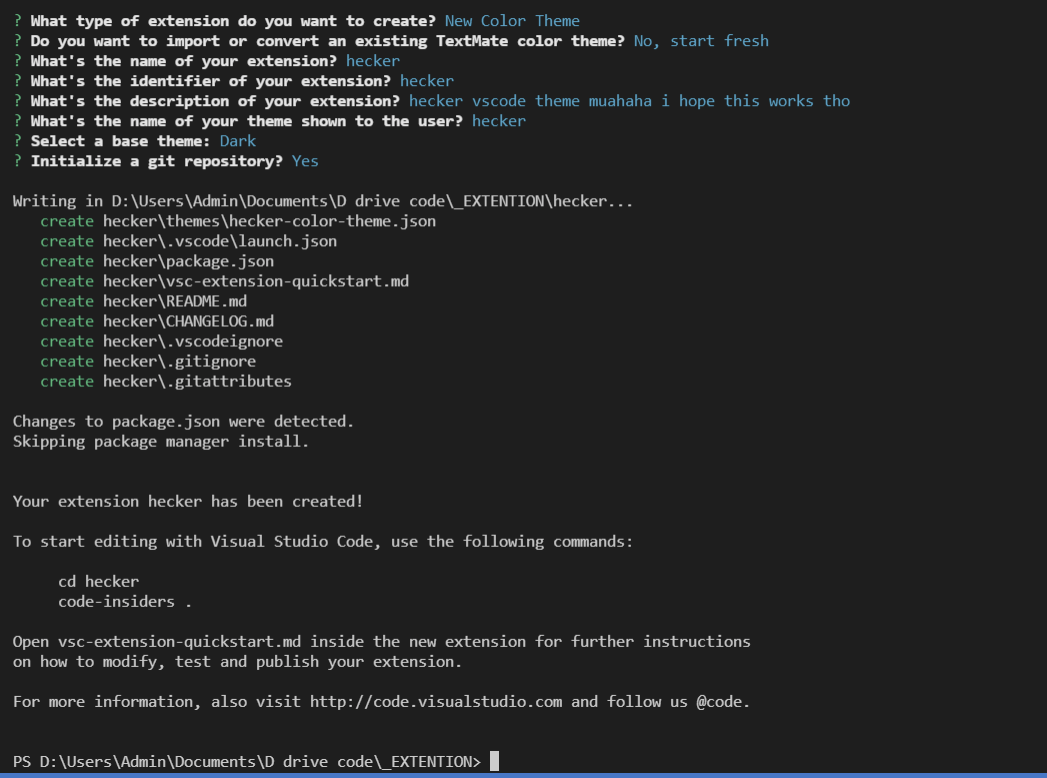
Use the arrow keys and the enter button to make selections and choose these options:
Extension: New Color Theme
Import/Export: No, start fresh
Name: (make it whatever u want it don't matter)
Identifier: (just press enter on whatevers there)
Description: (make it whatever u want it don't matter)
Name to user: (i guess make it match the name but i don't think it matters)
Base Theme: (choose the one that matches closest to your theme but i don't think it matters too much)
Initiate: y
It should look similar to the image when its all done
Type this in the terminal:
cd (the name of your extension)
Then type this:
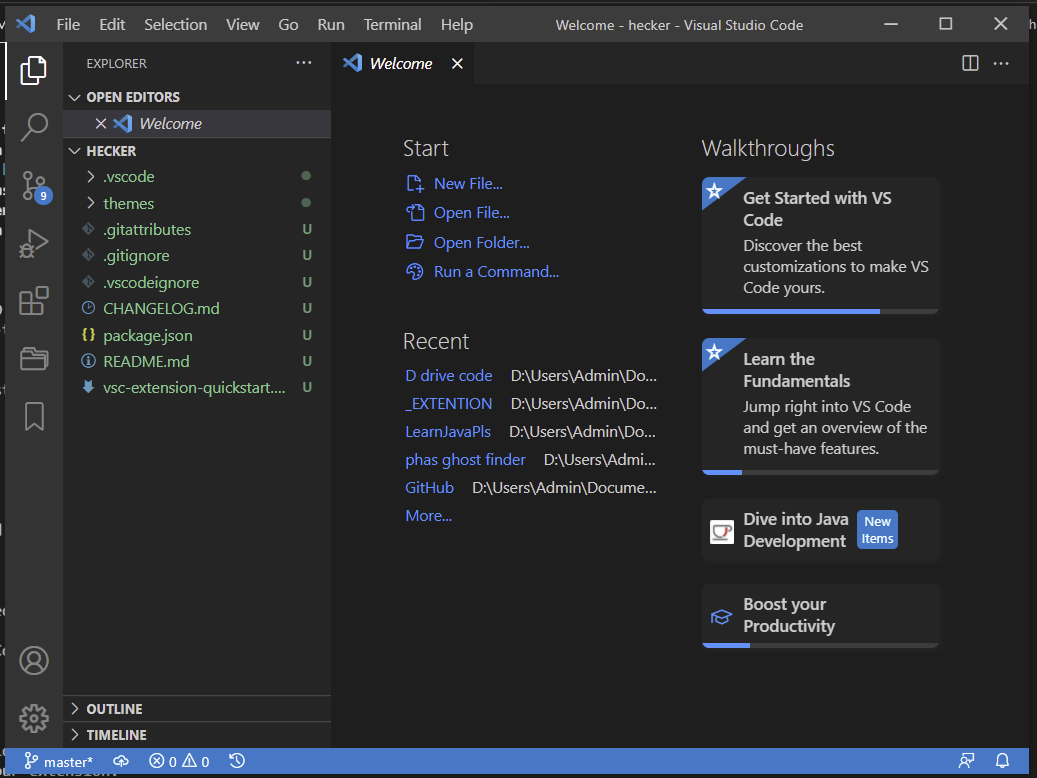
code.
This should open a new vscode window like what you see in the second image

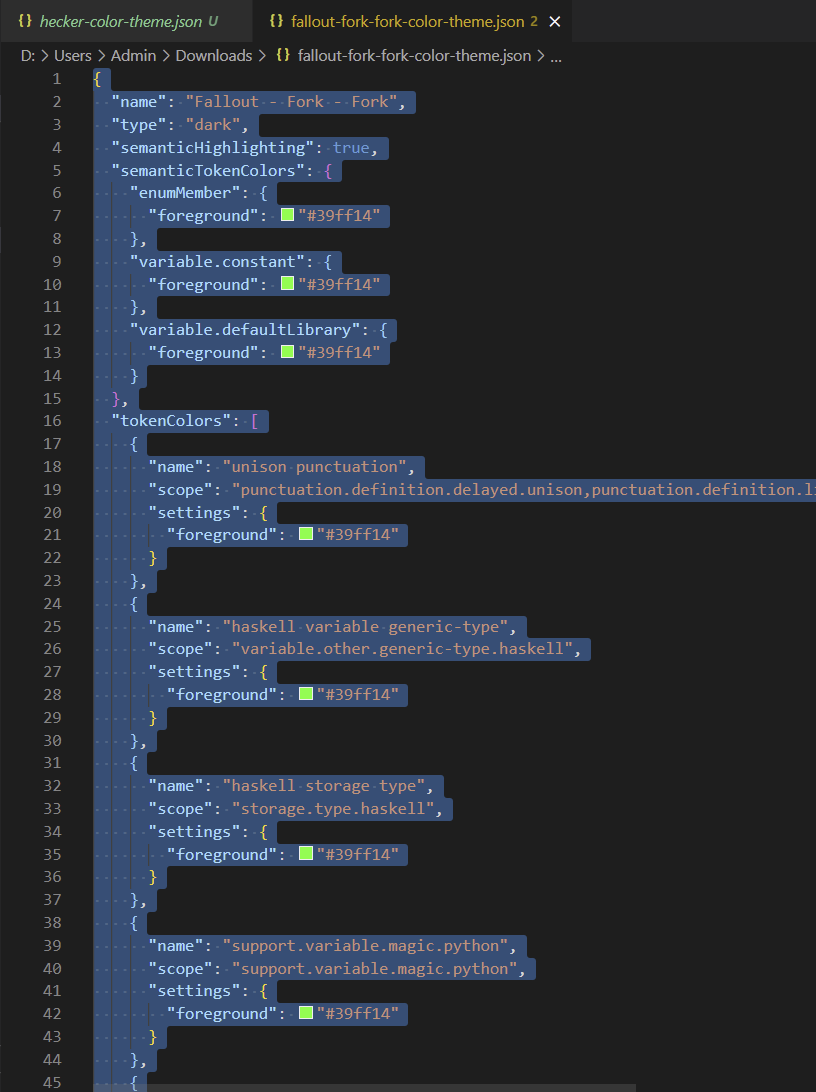
Open the theme file you downloaded
Press Ctrl + A and then Ctrl + C
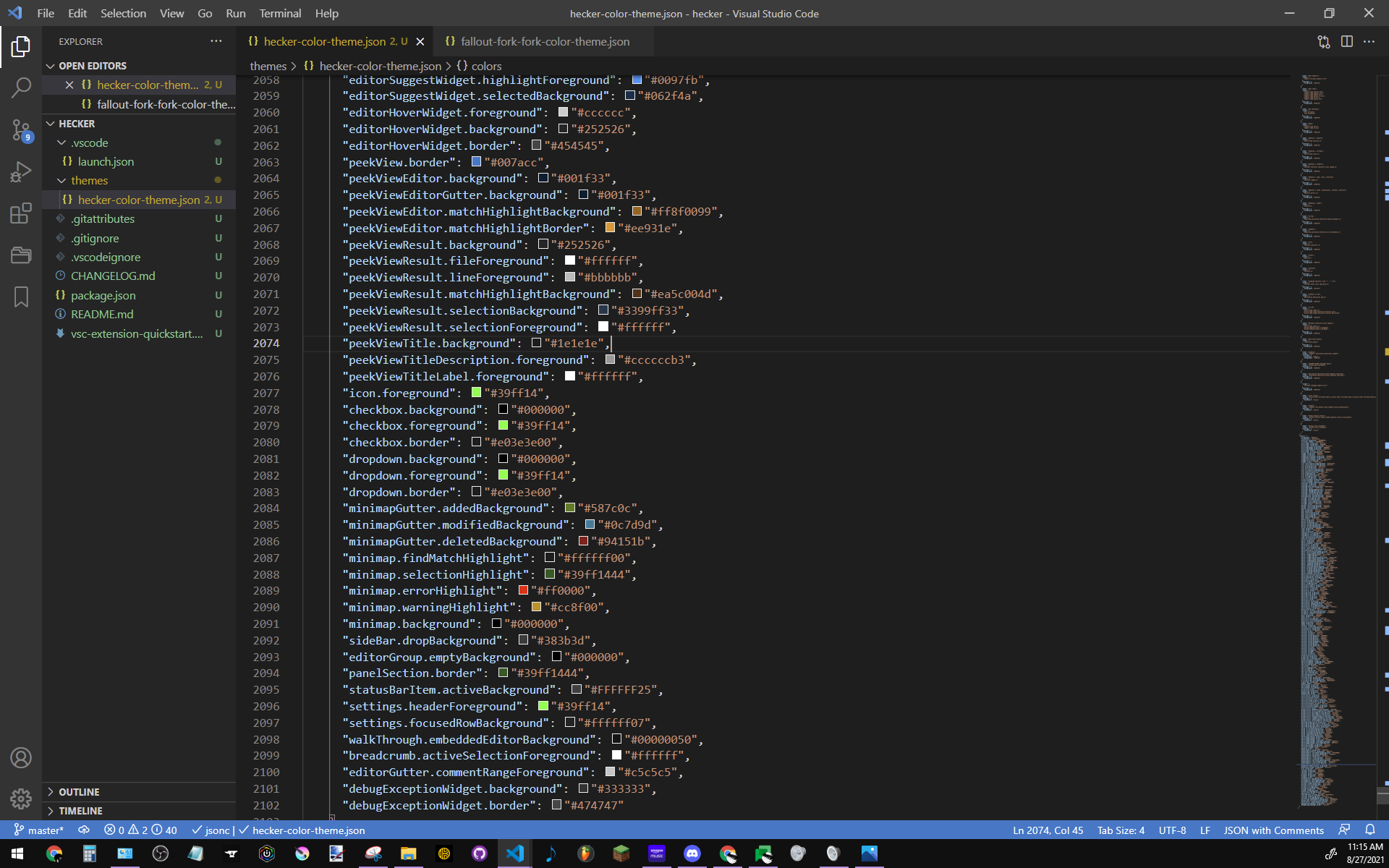
Then go to your VSCode folder for your extension that we just opened and under the "themes" folder
open a file ending in "-color-theme.json"
Press Ctrl + A then Ctrl + V then Ctrl + S
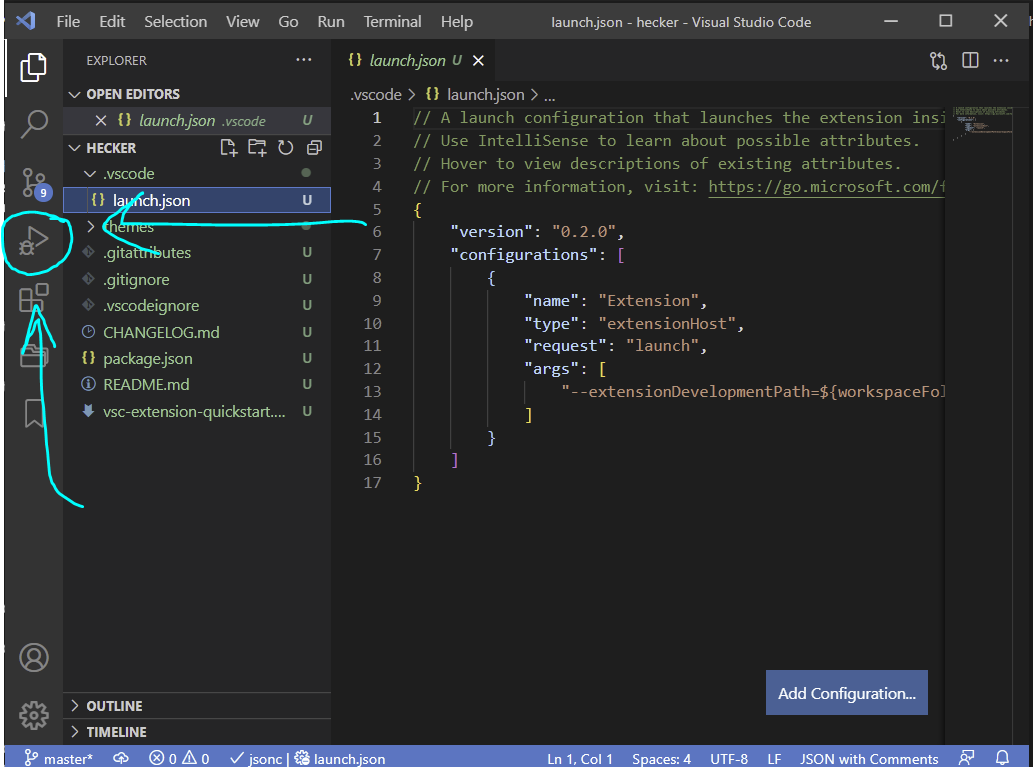
Look for the ".vscode" folder and click a file called "launch.json"
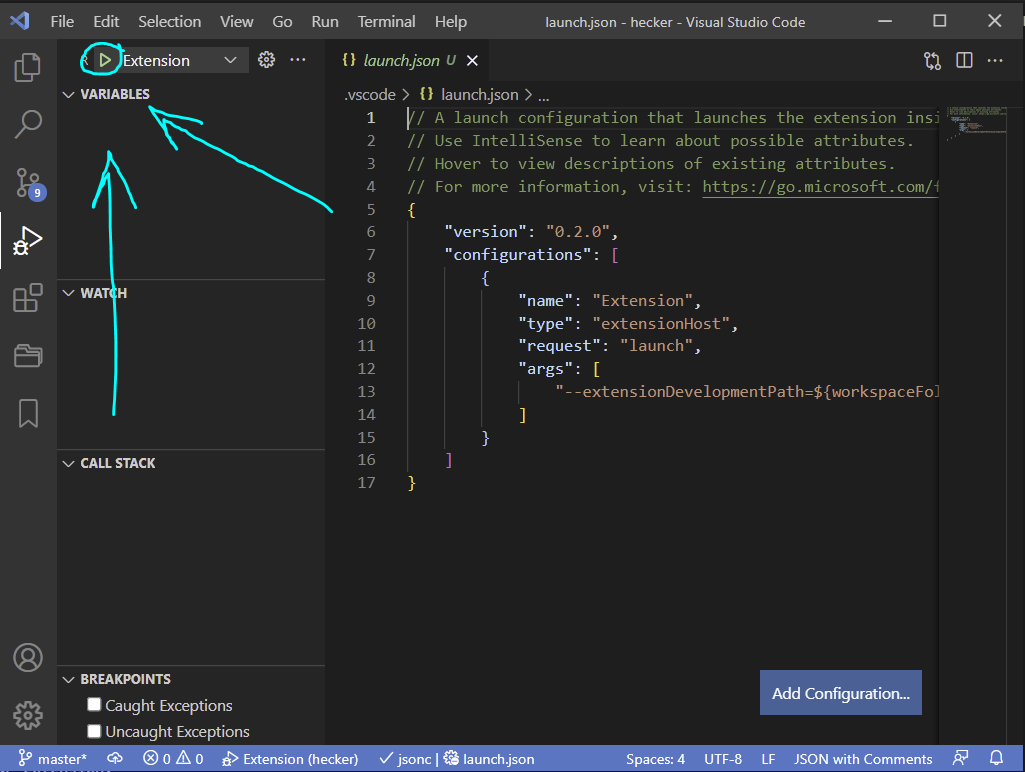
Go to the "Run and Debug" tab on the far left
Click the green arrow
Yay now it works you did it!!!!
Look at you using your brain!
You did great!